Sign In to Your 766OK Account
Enter your registered phone number and password. Your slots, live casino, and cricket bets are waiting.
Prefer the app? Download the 766OK APK and log in from your phone.
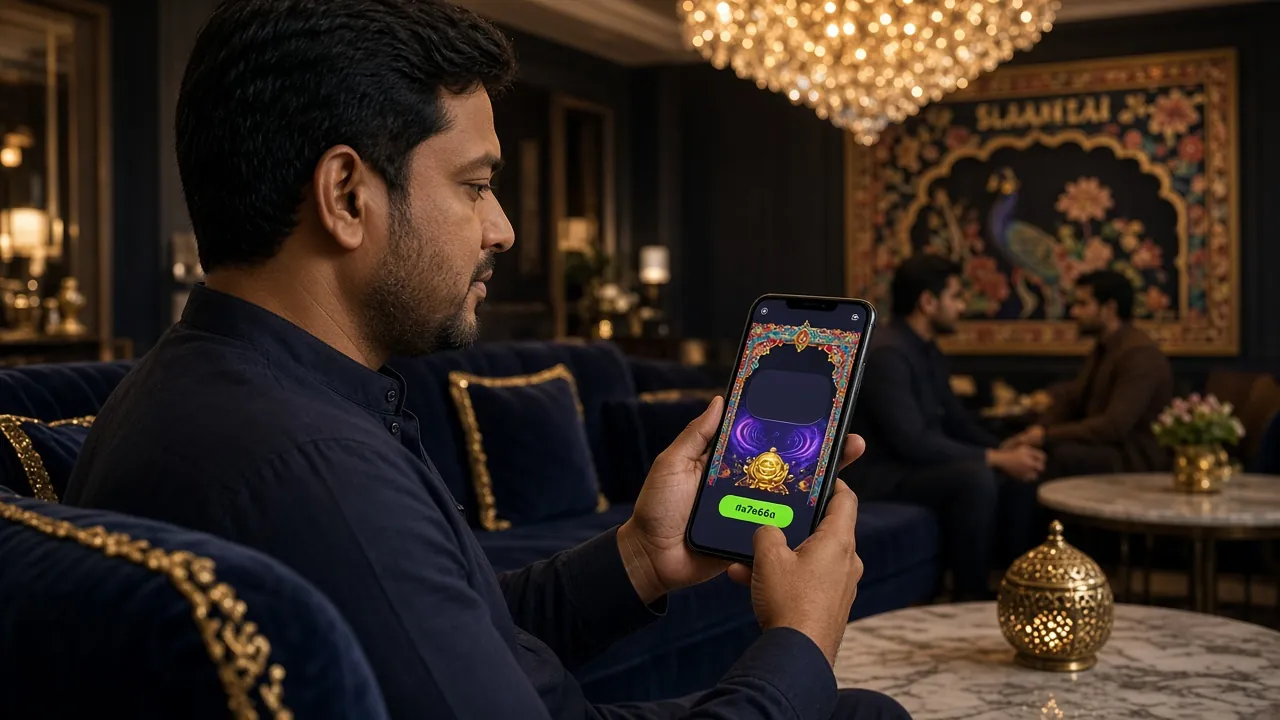
How to Log In – Web and App
Two routes, same account. Pick the one that suits where you are right now.
Browser (Desktop or Mobile Web)
-
Open the login page
Go to 766ok.one/766ok-login/ in any browser. The page loads in under two seconds on a standard mobile connection.
-
Enter your phone number
Type the Bangladesh mobile number you used when you registered (e.g. 017XXXXXXXX). The field accepts numbers only — no need to add +880.
-
Type your password
Your password is case-sensitive. Use the eye icon to check what you typed before submitting, especially on a touch keyboard.
-
Tap "Log In"
If the details match, you go straight to your account dashboard. Enable "Keep me signed in" on your personal device to skip this step next visit.
766OK Android App
-
Open the installed app
Tap the 766OK icon on your home screen. The app opens directly to the login screen if you are not already signed in.
-
Enter phone and password
Fill in the same credentials you use on the website. Your account is shared — you do not need a separate app account.
-
Log in and play
Tap "Log In." The app takes you to the lobby. You can place a cricket bet, spin slots, or join a live table from the same screen.
No app yet? Download the 766OK APK — it is free and takes about two minutes to install on Android 8.0 or above.
Phone Number, Username, or App – Which Login Works Best for You?
All three methods reach the same account. The table below shows the practical differences so you can pick the fastest option for your situation.
| Login Method | Speed | Best For | Touch Keyboard? | Notes |
|---|---|---|---|---|
| Phone Number + Password | Fastest | Everyday use on any device | Yes – numeric pad appears | Recommended default for most players |
| Username + Password | Fast | Players who prefer a username over their phone number | Standard keyboard | Username is set during registration; not all accounts have one |
| App Login (Android APK) | Fastest after first sign-in | Regular players who keep the app installed | Yes | Requires Android 8.0 or above; app size is 32 MB; version 3.3.7 |
If you do not have an account, register with 766OK — it takes under three minutes and your first deposit gets a 175% welcome bonus up to ৳25,500.
Fix Common Login Problems
Most issues resolve in under a minute. Find your problem in the table below and follow the fix.
| Problem | Most Likely Cause | How to Fix It |
|---|---|---|
| Wrong password error | Caps Lock is on, or you are using an old password after a recent reset. | Use the eye icon to check what you typed. If still failing, use the "Forgot password?" link to reset via SMS. |
| Account temporarily locked | Several failed login attempts in a short time trigger an automatic lock for security. | Wait 15 minutes, then try again. If the lock persists after one hour, contact 24/7 Live Chat. |
| OTP or verification code not arriving | SMS delay from your carrier, or the number entered has a typo. | Wait up to two minutes. Check the number is correct. If still nothing, tap "Resend" once more. SIM-only numbers (not Skype or VoIP) work reliably. |
| Page not loading | Slow mobile data, or your browser has cached a broken page version. | Switch from mobile data to Wi-Fi (or vice versa). Try a hard refresh (hold Reload on mobile). Clear browser cache if the problem repeats. |
| App crashes on login | Outdated APK version installed, or storage space is very low. | Uninstall and re-download the latest APK (v3.3.7). Free up storage if your device has less than 100 MB available. |
| "Phone number not found" | You may have registered under a different number, or the account does not exist yet. | Double-check the number. If you are new, create an account — registration is free and takes about two minutes. |
Reset Your Password in Three Steps
You only need access to the mobile number on your account. The whole process takes under two minutes.
-
Click "Forgot password?" on the login page
The link is next to the "Keep me signed in" checkbox. Tap it and you will see a phone number entry screen.
-
Enter your registered phone number
Type the Bangladesh number you used when you created your account. A one-time SMS code (OTP) is sent to that number within about 60 seconds.
-
Enter the OTP and set a new password
Paste or type the six-digit code. You will then be prompted to enter and confirm a new password. Choose something at least eight characters long with a mix of letters and numbers.
OTP Not Arriving?
- Wait up to two minutes before requesting a resend.
- Make sure the SIM is active and has signal — OTPs do not arrive on VoIP numbers.
- Check your SMS inbox is not full; older phones stop receiving messages when storage is at capacity.
- Still nothing? Open 24/7 Live Chat — the support team can verify your identity and help you regain access.
Install the 766OK App on Android and Log In
The Android app gives you a faster, cleaner experience than the mobile browser — especially for live casino and cricket markets. Here is how to get it set up.
Requirements: Android 8.0 or above · 32 MB free storage · Available on the APK download page · Version 3.3.7 · Free to download.
-
Allow installation from unknown sources
Open your Android Settings → Apps → Special App Access → Install Unknown Apps. Find your browser (e.g. Chrome) and toggle "Allow from this source." This is a one-time step — you can turn it off again after installing.
-
Download the APK file
Visit 766ok.one/766ok-apk/ on your phone's browser and tap the download button. The file is 32 MB and usually finishes in under a minute on a standard mobile connection. Check your Downloads folder once it completes.
-
Open the downloaded file and install
Tap the APK file in your notifications or in the Downloads folder. Android shows a prompt — tap Install. The process takes about 15 seconds. You do not need to uninstall any previous version first; the new APK upgrades automatically.
-
Open the app and log in
Tap the 766OK icon that now appears on your home screen. Enter your phone number and password on the login screen — the same credentials you use on the website. The app stays signed in between sessions unless you tap "Log Out" manually.
-
Enable push notifications (optional but recommended)
When the app asks permission for notifications, tap Allow. You will get instant alerts when a cricket match goes live, when your withdrawal is processed (target: ৳500 minimum, delivered within 6 minutes via bKash or Nagad), or when a new promotion is active.
766OK Login – Questions Players Ask Most
What should I do if my 766OK login keeps failing?
First, check that Caps Lock is off and your phone number is correct. The login form accepts numbers only — do not add spaces or the country code +880. If you have entered the wrong password three or more times, your account may be temporarily locked for 15 minutes as a security measure. Wait, then try again. If the problem persists after one hour, open the 24/7 Live Chat for direct help from the support team.
I forgot my password — can I recover my 766OK account without losing my balance?
Yes. Resetting your password does not affect your account balance, bonuses, or bet history. Click "Forgot password?" on the login page, enter your registered phone number, and an OTP will arrive by SMS within 60 seconds. Enter the code, set a new password, and you are back in. Your balance and any active promotions stay exactly as they were before the reset.
My OTP for login is not arriving — what can I do?
Give it up to two minutes; carrier delays are common during peak hours. Make sure the SIM is active and has signal — OTPs only work on real SIM numbers, not VoIP or internet-based numbers. Check your SMS inbox is not full (older handsets block incoming messages when storage is at capacity). If none of this helps, tap "Resend OTP" once, then contact 24/7 Live Chat if the second code also fails to arrive.
Can I log in to 766OK on more than one device at the same time?
Yes — your account works across multiple devices simultaneously. You can be signed in on a desktop browser and the Android app at the same time. All bets, deposits, and balance changes sync instantly. If you notice a login from a device or location you do not recognise, change your password immediately and contact support. For better security, avoid logging in on shared or public devices.
How can I make my 766OK account more secure?
Use a password that is at least eight characters long and unique to this account — do not reuse passwords from other apps. Avoid saving your credentials in a shared browser or on a device other people use. Enable the "Keep me signed in" option only on your personal phone. If you ever think your account has been accessed without your permission, change your password right away and reach out to our 24/7 Live Chat for a security review.
I do not have an account yet — do I need to register before I can log in?
Yes — registration comes before login. It takes under three minutes: enter your phone number, set a password, and you are done. Once you are registered and make your first deposit (minimum ৳250 via bKash, Nagad, Rocket, Upay, or Bank Transfer), your account is credited with a 175% welcome bonus up to ৳25,500. Head to the 766OK registration page to get started, then come back here to log in.
Register with 766OK in two minutes. Your first deposit gets a 175% bonus up to ৳25,500. Minimum deposit just ৳250 via bKash or Nagad.